Open apps on purpose.
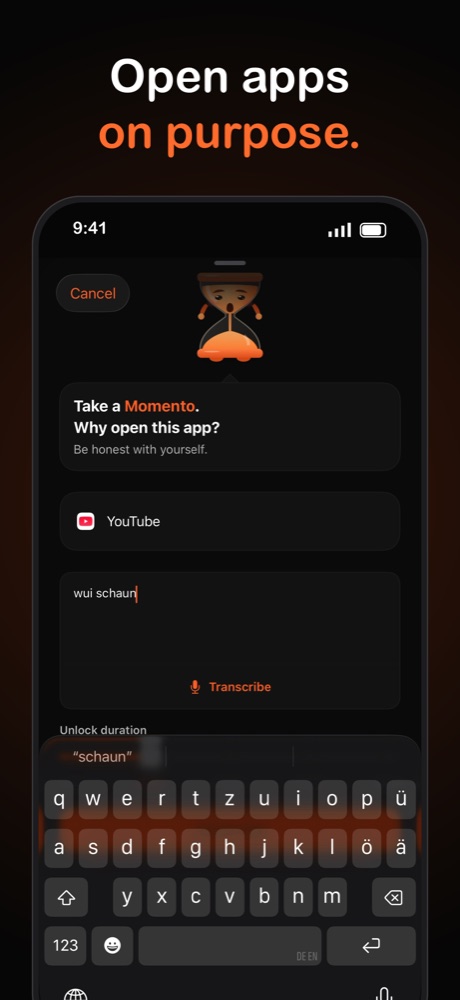
Momento asks why you're opening a distracting app before it lets you in. Type or say your reason, pick how long you need, and the app locks again when the time is up.
Momo, the hourglass, nudges you. He never locks you out.
How Momento works
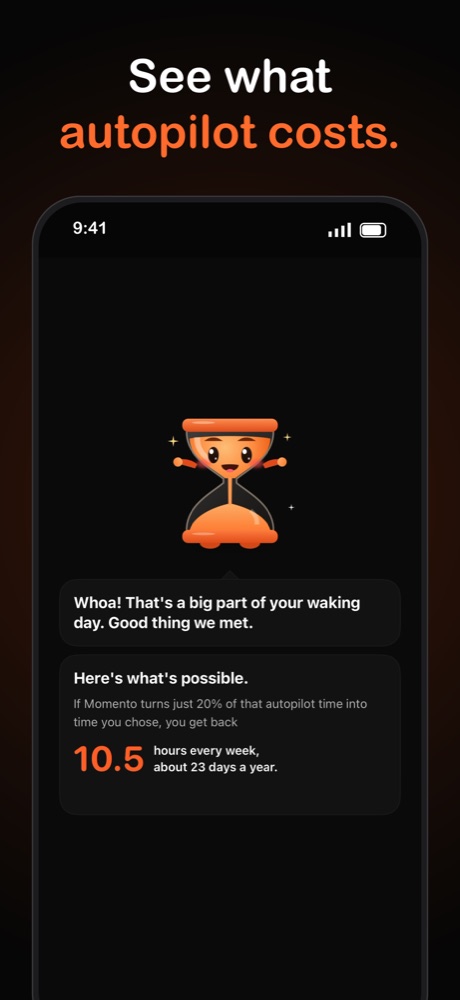
Most app opens happen on autopilot. Momento adds one step that brings the decision back.
Pick your distracting apps
Select the apps you open without thinking. Momento locks them using Apple's Screen Time framework.
Take a Momento
Open a locked app and Momento asks why. Write or speak your reason and set how long you need.
Lock it again
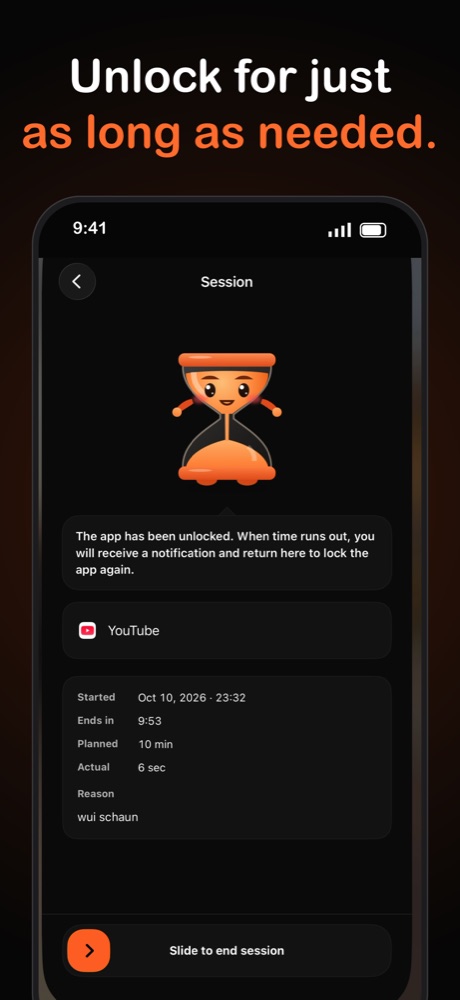
When time runs out you get a notification and the app locks. You can also slide to end the session early.
What you get
A reason for every unlock
You write down why you're opening the app. Seeing your own answer makes the habit visible.
Timed sessions
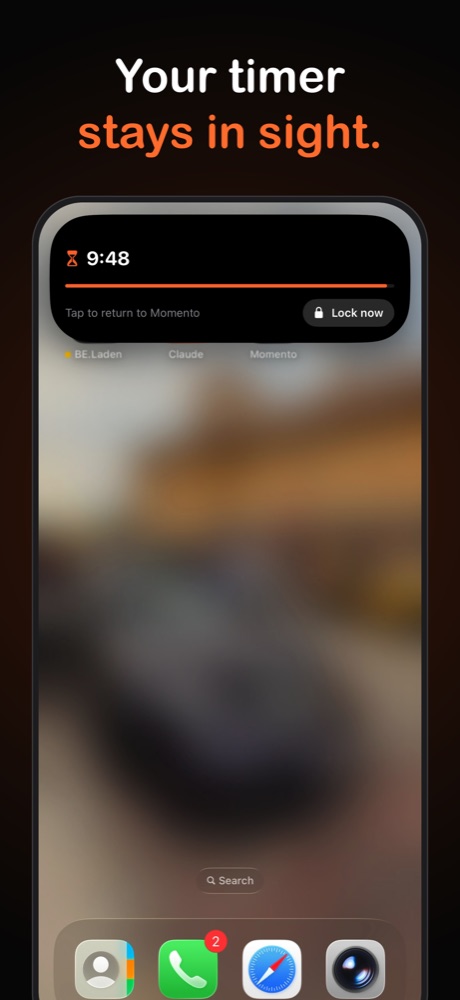
You choose how long the app stays open. A countdown runs in the Dynamic Island and on the Lock Screen, with a Lock now button.
Voice input
Tap Transcribe and talk instead of typing. Where your iPhone supports it, transcription runs on the device.
Weekly statistics
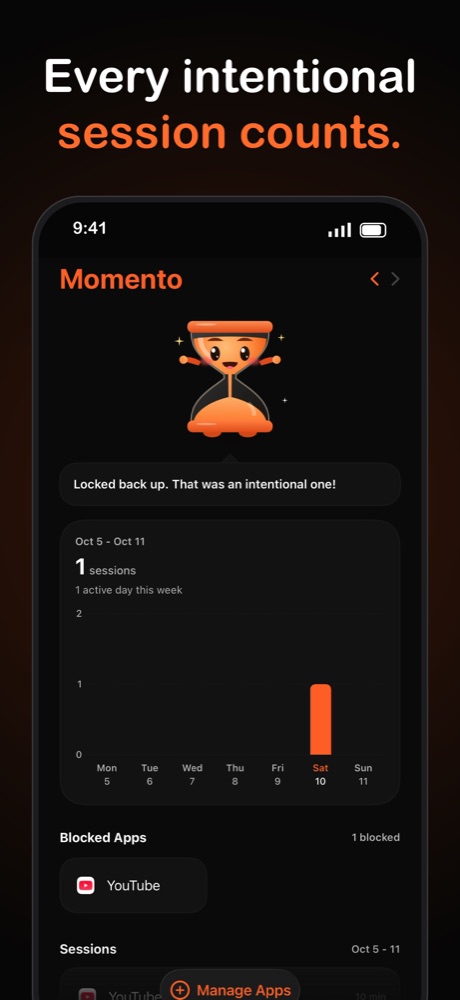
See how many intentional sessions you had each week, which apps are blocked, and your past reasons.
No account, no tracking
Momento has no sign-up, ads or analytics. Your reasons and sessions never leave your phone.
Momo, your hourglass
A small mascot reacts to your sessions and cheers when you lock back up.
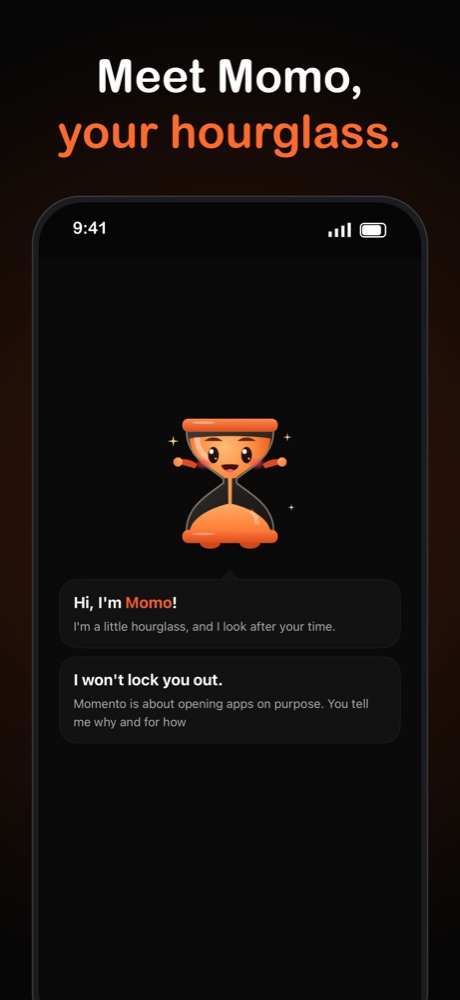
Meet Momo, your hourglass.
Many screen time apps work like a bouncer. Momento treats opening an app as your decision. Momo asks, you answer, and you set the time.
Your data stays on your phone.
Momento works on the device. AppJoy runs no server that receives your reasons, sessions or app choices.
Read the privacy policy- No account or sign-up
- No analytics, ads or trackers
- Apple hides your app selection from us
- The Android app has no internet permission
Questions and answers
What is Momento?
Momento is an iPhone app for opening apps on purpose. When you open an app you chose to limit, Momento asks why, you write or speak a reason and pick how long you need, and the app locks again when the time is up.
Is Momento an app blocker?
It locks the apps you select, but you can always unlock them by giving a reason and a time. It works as a pause before you open an app, so it is closer to a mindful screen time tool than a hard block.
How does Momento lock apps?
On iPhone, Momento uses Apple's Screen Time framework (Family Controls). Apple keeps your app selection private, so Momento cannot see which apps you picked. The Android version uses an accessibility service to detect the app in the foreground.
Which devices does Momento support?
Momento is built for iPhone and needs iOS 17 or later. An Android version is in development.
Does Momento collect my data?
No. Momento has no account, no analytics, no ads and no tracking. Your reasons, sessions and statistics are stored on your phone only. The privacy policy lists every permission and why it's needed.
How much does Momento cost?
Momento is a subscription app. The price and any trial period are shown in the App Store before you subscribe.
Get Momento at launch
Email us and we'll write when the app is in the App Store.